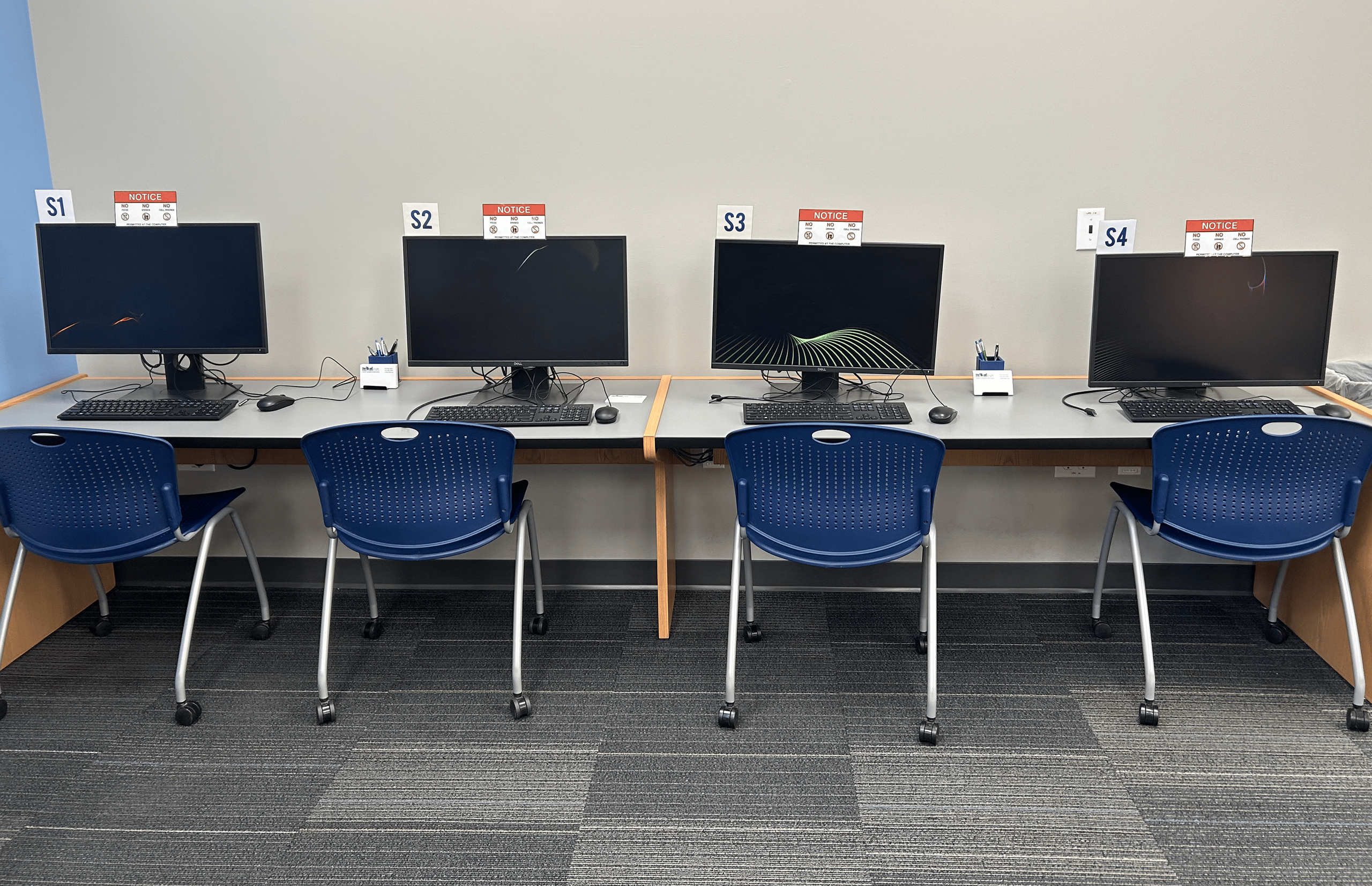
Our Technology Services give you free access to public computers, high-speed Wi-Fi, wireless printing straight from your device, and convenient on-site copy, scan, print, and fax stations.
Princh, FSPL’s user-friendly printing solution, lets you upload and print documents from anywhere, using your computer or mobile device.
Print from a Mobile App
Interactive Guides: Apple | Android
1. Install the Princh app for iOS or Android.
2. Open your document and share it with the Princh app.
3. Select the printer by scanning the QR code and adjust your settings.
4. Pay at the coinbox (cash only).


Watch this YouTubbe video to learn how to print with Princh in under 60 seconds!
Watch this YouTube video to learn how to print with a laptop using Princh!
Print from a Laptop
Print from a mobile phone or tablet
Depending on the desired color, forward the email to:
fspl_franklin-bw@ewprints.com
fspl_franklin-color@ewprints.com
Print from a Laptop
Print from a mobile phone or tablet
Text Formats
Image Formats
Spreadsheet Formats
Presentation Formats
CAD Formats
Vector Formats
Ebook Formats
SSID: Franklin Public Library
Password: franklin
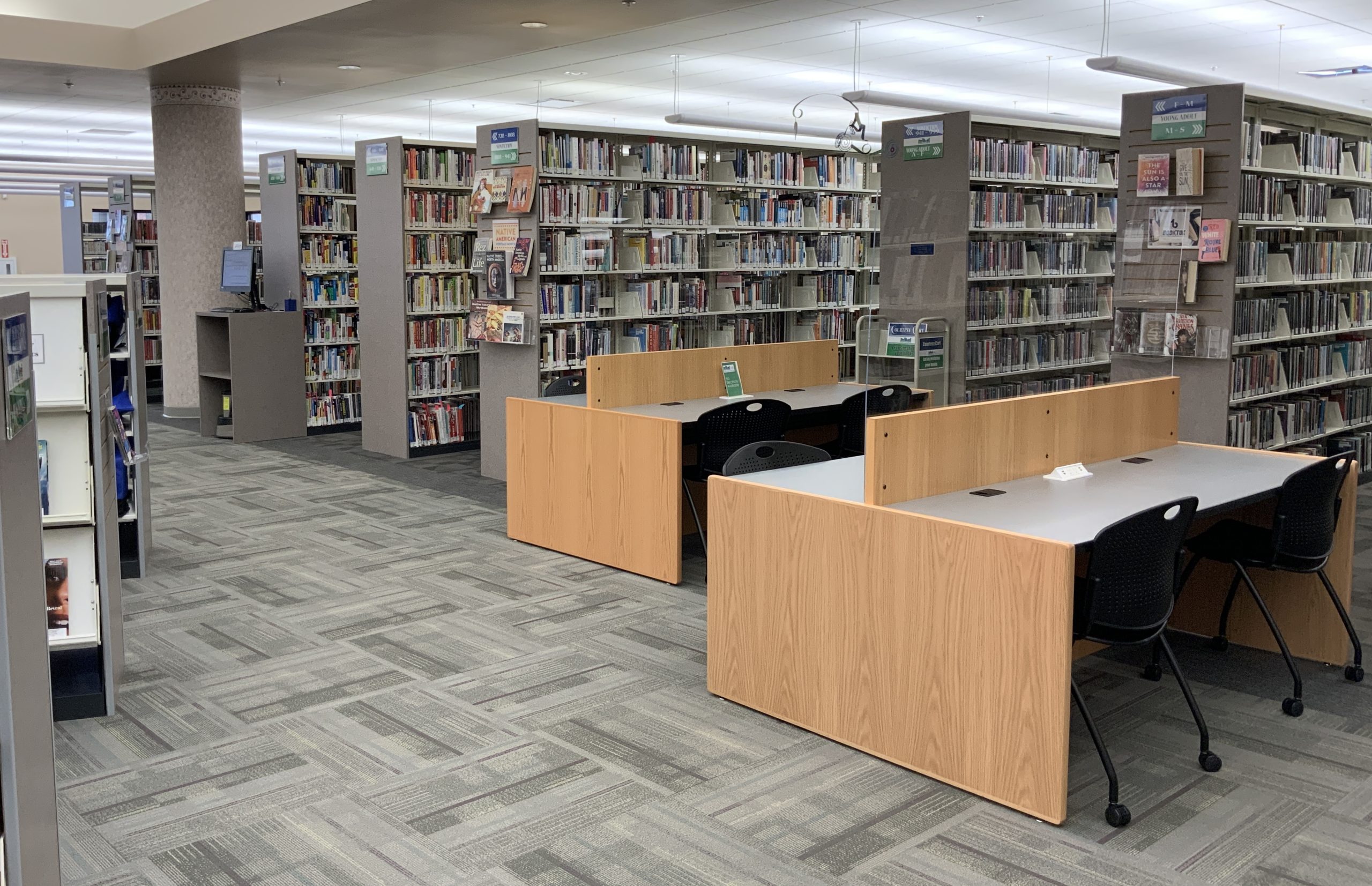
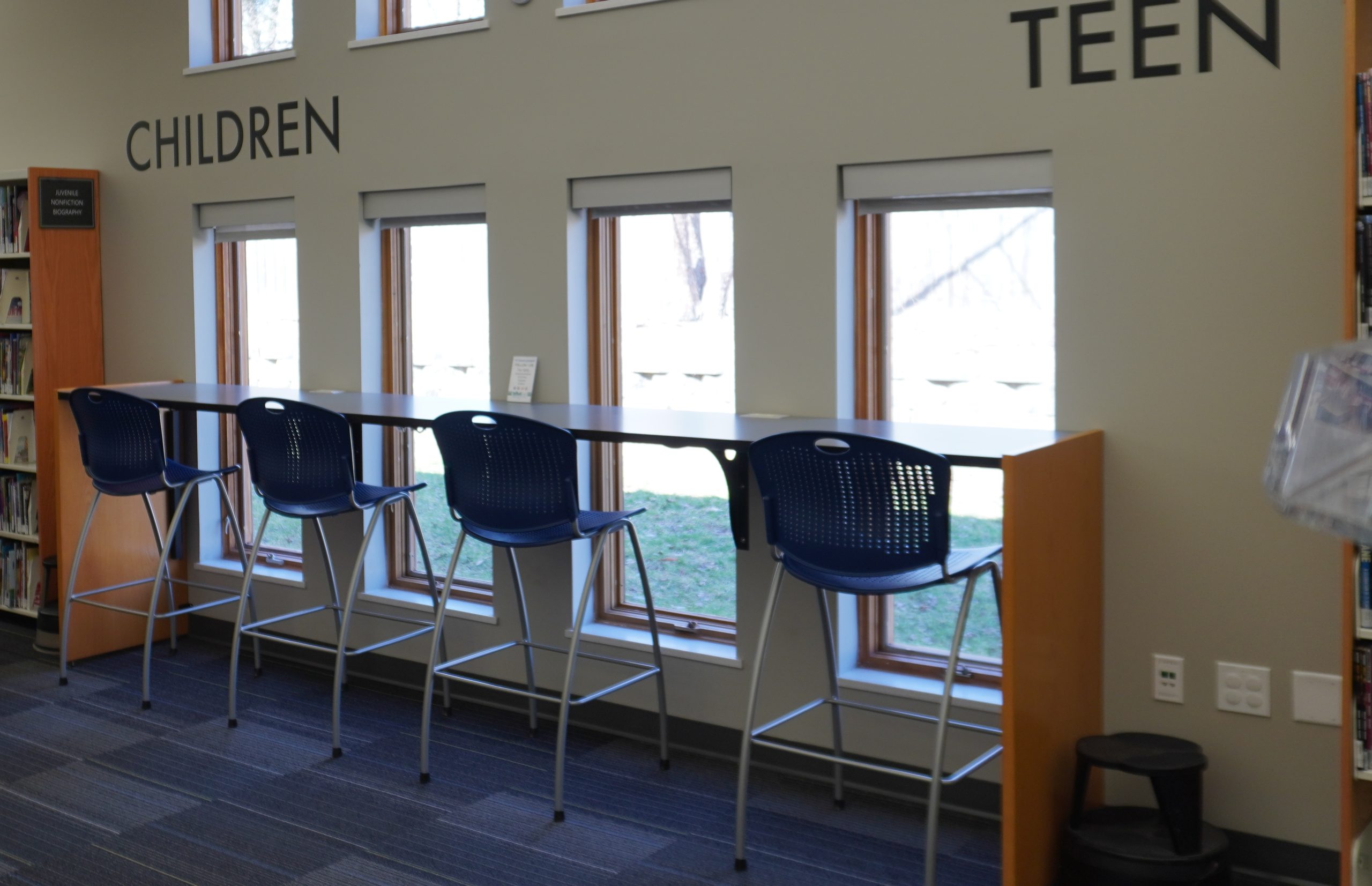
SSID: Springboro Public Library
Password: springboro
The Library has several options that allow you to print, copy, scan, and fax. Payment is by coins or bills only.
Use our public computers (with Microsoft Office, internet, and printing) on a first-come, first-served basis. A valid library card is required.
Don’t have a card yet? No problem! A friendly staff member at the front desk can assist you with signing up.
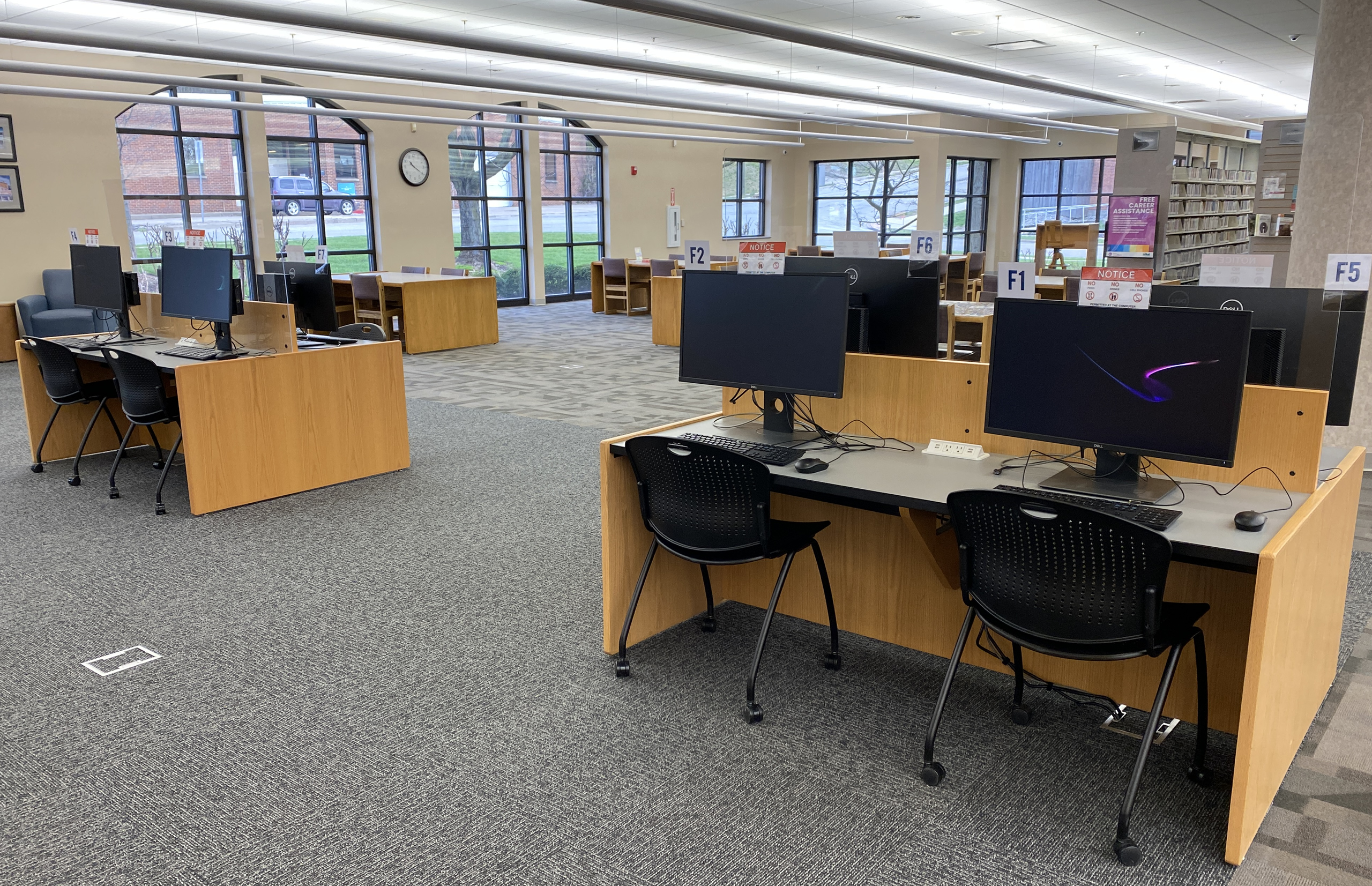
Number of Computers: 8
Operating System: Windows 11 Professional
Programs: Microsoft Office Professional 2019, Adobe Reader
Web Browsers: Google Chrome, Mozilla Firefox, Microsoft Edge
Number of Computers: 4
Operating System: Windows 11 Professional
Programs: Microsoft Office Professional 2019, Adobe Reader
Web Browsers: Google Chrome, Mozilla Firefox, Microsoft Edge