Technology Services

Our Technology Services give you free access to public computers, high-speed Wi-Fi, wireless printing straight from your device, and convenient on-site copy, scan, print, and fax stations.

Wireless Printing at Your Library

Princh, FSPL’s user-friendly printing solution, lets you upload and print documents from anywhere, using your computer or mobile device.

Print from a Mobile App

Interactive Guides: Apple | Android

1. Install the Princh app for iOS or Android.
2. Open your document and share it with the Princh app.
3. Select the printer by scanning the QR code and adjust your settings.
4. Pay using one of the available options.


Princh Tutorial Videos

Watch this YouTubbe video to learn how to print with Princh in under 60 seconds!

Watch this YouTube video to learn how to print with a laptop using Princh!

Franklin Branch - Wireless Printing Guide

Print from a Laptop

  1. Open a web browser and go to print.princh.com.
  2. Enter 106376 for the printer ID.
  3. Upload your document(s) and adjust your settings.
  4. At the Print Station, use the mouse and click on: RELEASE A PRINT JOB.
  5. Enter your email address.
  6. Select your print jobs and click on the Print icon.
  7. Money owed can be put in the coin machine. If you only have larger bills, change can be made at the Circulation Desk.

Print from a mobile phone or tablet

  1. Open a browser on your device.
  2. Log in to your email account.
  3. Open the email that you would like to print.
  4. Depending on the desired color, forward the email to:

    fspl_franklin-bw@ewprints.com
    fspl_franklin-color@ewprints.com

  5. At the Self-Service Station, use the mouse and click on: RELEASE A PRINT JOB.
  6. Enter your email address.
  7. Select your print jobs and click on the Print icon.
  8. Money owed can be put in the coin machine. If you only have larger bills, change can be made at the Circulation Desk.

Springboro Branch - Wireless Printing Guide

Print from a Laptop

  1. Open a web browser and go to print.princh.com.
  2. Enter 106377 for the printer ID.
  3. Upload your document(s) and adjust your settings.
  4. At the Print Station, use the mouse and click on: RELEASE A PRINT JOB.
  5. Enter your email address.
  6. Select your print jobs and click on the Print icon.
  7. Money owed can be put in the coin machine. If you only have larger bills, change can be made at the Circulation Desk.

Print from a mobile phone or tablet

  1. Open a browser on your device.
  2. Log in to your email account.
  3. Open the email that you would like to print.
  4. Depending on the desired color, forward the email to:
    fspl_springboro-bw@ewprints.com
    fspl_springboro-color@ewprints.com
  5. At the Self-Service Station, use the mouse and click on: RELEASE A PRINT JOB.
  6. Enter your email address.
  7. Select your print jobs and click on the Print icon.
  8. Money owed can be put in the coin machine. If you only have larger bills, change can be made at the Circulation Desk.

Supported Wireless Printable Formats

Text Formats

  • AbiWord Document
  • DjVu
  • Microsoft Word
  • Microsoft Office Open XML
  • HTML Document
  • Lotus Word Pro
  • Markdown Documentation File
  • ODF Text Document
  • Pages Document
  • Zipped Pages Document
  • Portable Document Format
  • reStructuredText
  • Rich Text Format
  • StarWriter 5.0
  • LaTeX Source Document at the Circulation Desk.
  • WordPerfect Document
  • Microsoft Works Document
  • Compressed AbiWord Document

Image Formats

  • Hasselblad 3F RAW Image
  • Sony Digital Camera Image
  • Windows Bitmap
  • Canon Raw CIFF Image File
  • Kodak RAW Image File
  • Digital Negative Image File
  • Encapsulated PostScript
  • Epson RAW File
  • Graphics Interchange Format
  • High Efficiency Image File Format (HEIF)
  • Apple Icon Image format
  • Joint Photographic Experts Group
  • Leaf Camera RAW File
  • Minolta Raw Image File
  • Nikon Electronic Format RAW Image
  • OpenDocument Drawing
  • Olympus RAW File
  • Portable Document Format
  • Pentax Electronic File
  • Portable Network Graphic
  • Portable Pixmap Image File
  • PostScript
  • Adobe Photoshop bitmap
  • Fuji RAW Image File
  • Raw Image Data File
  • Scalable Vector Graphics
  • Compressed Scalable Vector Graphics
  • Tagged Image File Format
  • WebP
  • SIGMA X3F Camera RAW File
  • eXperimental Computing Facility
  • XML Paper Specification

Spreadsheet Formats

  • CSV
  • Kingsoft Spreadsheets File
  • HTML Document
  • Numbers Spreadsheet
  • Zipped Numbers Spreadsheet
  • Open Document Spreadsheet
  • Portable Document Format
  • StarCalc 5.0
  • Microsoft Excel 97/2000/XP
  • Microsoft Excel XML with Macros Enabled
  • Microsoft Excel XML

Presentation Formats

  • Kingsoft Presentation File
  • Encapsulated PostScript
  • HTML Document
  • Keynote Presentation
  • Zipped Keynote Presentation
  • OpenDocument Presentation
  • Portable Document Format
  • PowerPoint Slide Show
  • PowerPoint Open XML Slide Show
  • Open Document Spreadsheet
  • Microsoft PowerPoint XML with Macros Enabled
  • Microsoft PowerPoint XML
  • StarDraw 5.0 (OpenOffice.org Impress)

CAD Formats

  • AutoCAD Drawing
  • AutoCAD Drawing Interchange Format

Vector Formats

  • Adobe Illustrator File
  • CorelDRAW Image File
  • Computer Graphics Metafile
  • Windows Enhanced Metafile
  • Encapsulated PostScript
  • Sketch/Skencil format
  • sK1 format
  • Visio Drawing File
  • Windows Metafile

Ebook Formats

  • Amazon Kindle eBook File
  • Amazon Kindle
  • Amazon Print Replica eBook
  • Comic Book Archive file
  • Microsoft Compiled HTML Help
  • Microsoft Office Open XML
  • IDPF/EPUB
  • FictionBook
  • HTML Document
  • Zipped HTML file
  • Microsoft Reader
  • Sony media
  • Mobipocket eBook
  • ODF Text Document
  • Open eBook File
  • Palm Media
  • Portable Document Format
  • Palm Markup Language
  • Mobipocket
  • Rocket eBook
  • Rich Text Format
  • Shanda Bambook
  • Psion Series 3 eBook File

Free Public Wi-Fi

Franklin Library Public Wi-Fi

SSID: Franklin Public Library
Password: franklin
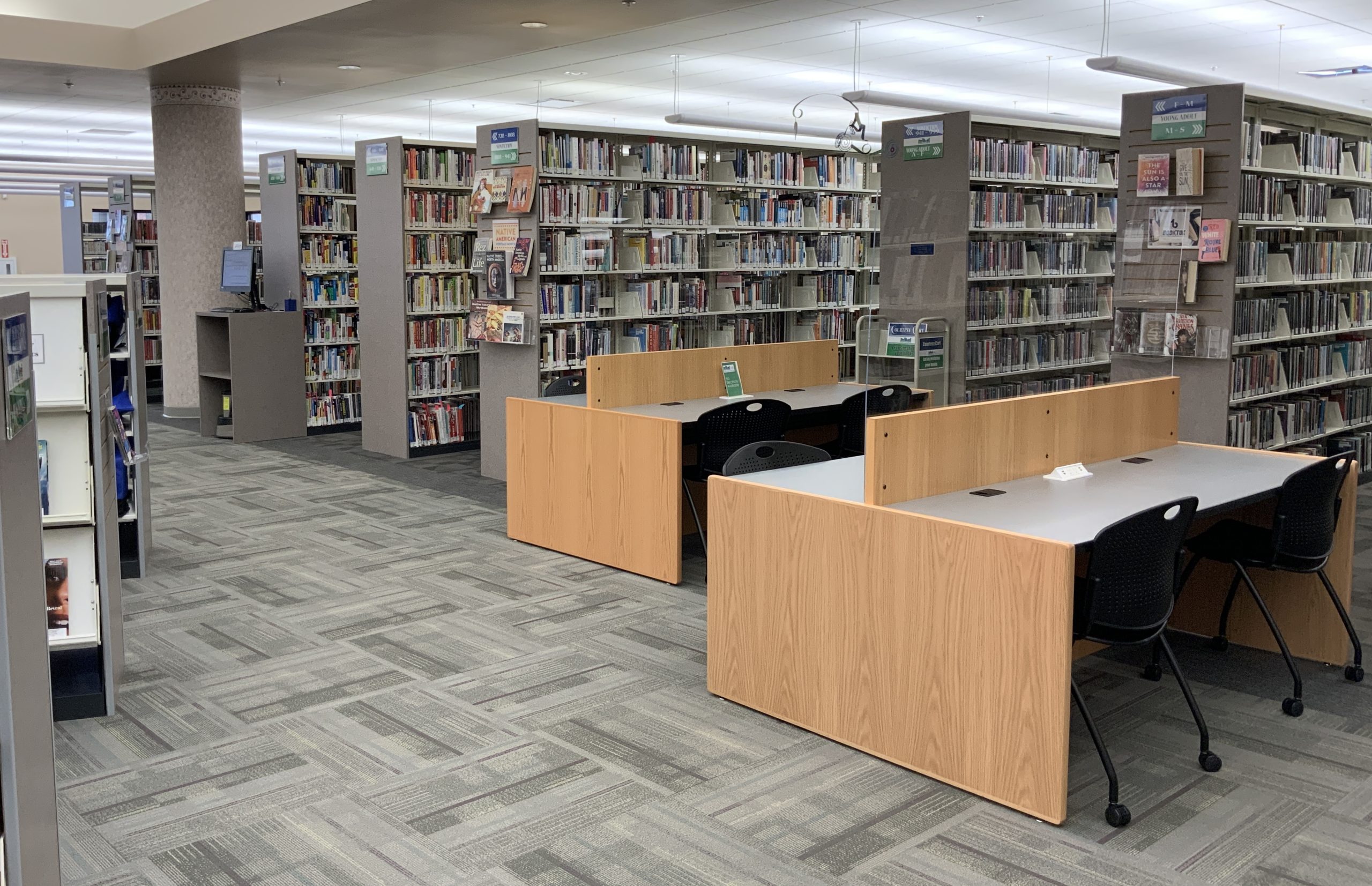
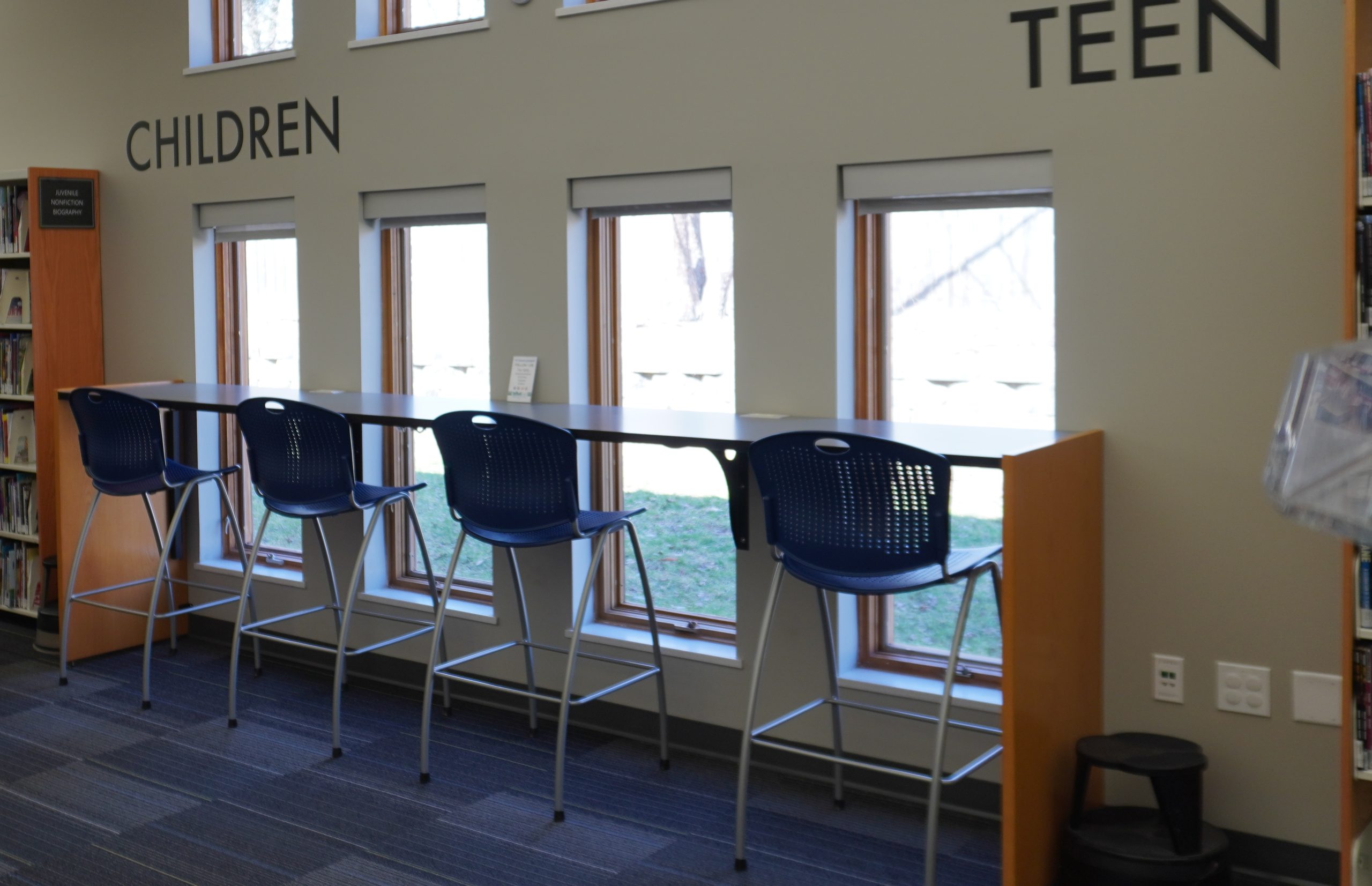
Library interior with bookshelves, study desks, and chairs.
Library area with a high table, blue stools, and large windows, labeled with "CHILDREN" and "TEEN."

Springboro Library Public Wi-Fi

SSID: Springboro Public Library
Password: springboro

Print, Copy, Scan, and Fax

The Library has several options that allow you to print, copy, scan, and fax. Payment is by coins or bills only.

Pricing

Print (Black & White)

$ 0.15
, one-sided

Print (Color)

$ 0.35
, one-sided

Copy (Black & White)

$ 0.15
, one-sided

Copy (Color)

$ 0.35
, one-sided

Fax

FREE

Scan (to email or USB flash drive)

FREE

Public Computers

Use our public computers (with Microsoft Office, internet, and printing) on a first-come, first-served basis. A valid library card is required.

Don’t have a card yet? No problem! A friendly staff member at the front desk can assist you with signing up.
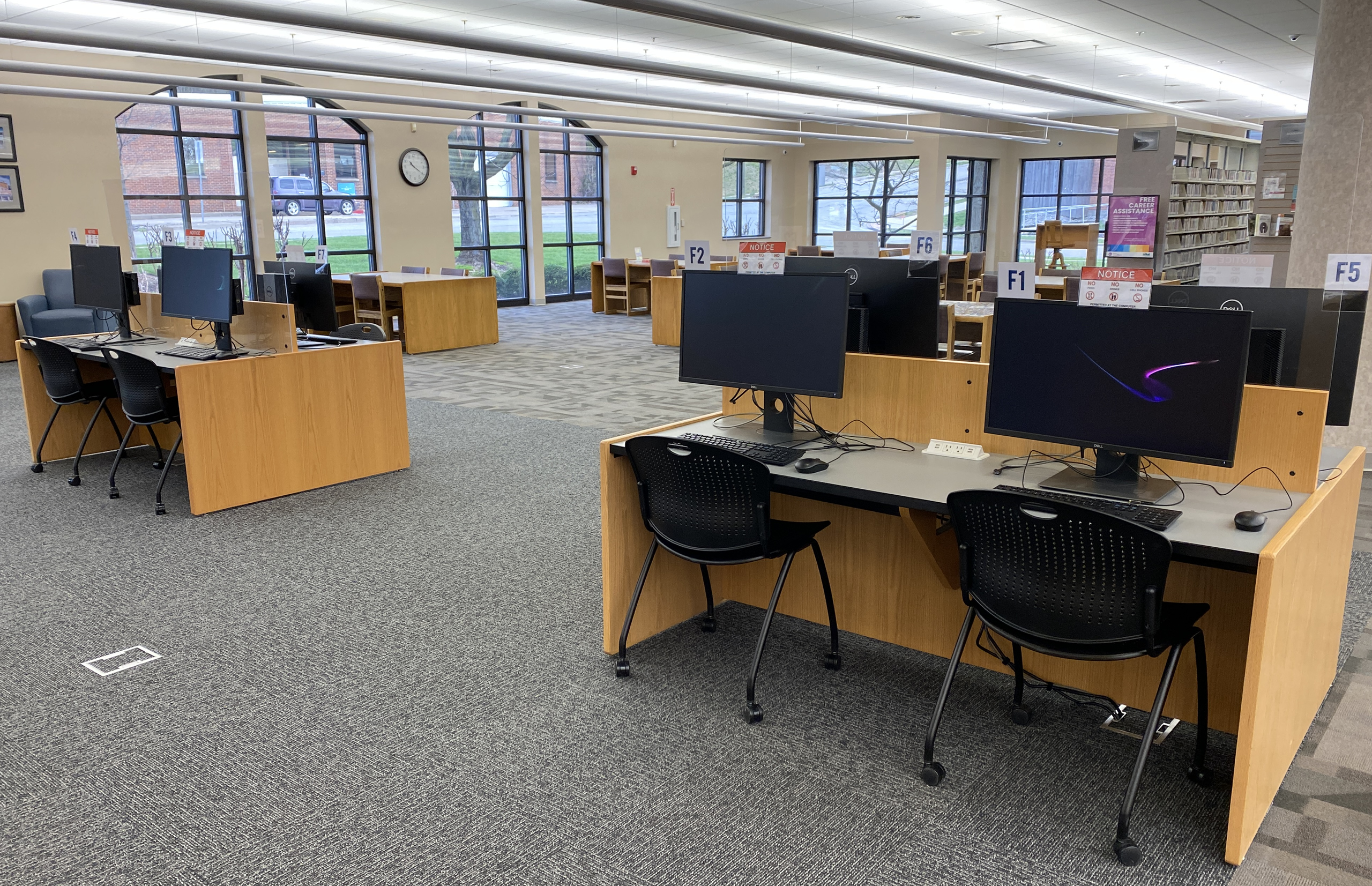
Interior of library with computers, rolling chairs, tables, bookshelves, and windows.

Franklin Library Public Computers

Computer Information

Number of Computers: 8
Operating System:
Windows 11 Professional
Programs: Microsoft Office Professional 2019, Adobe Reader
Web Browsers: Google Chrome, Mozilla Firefox, Microsoft Edge
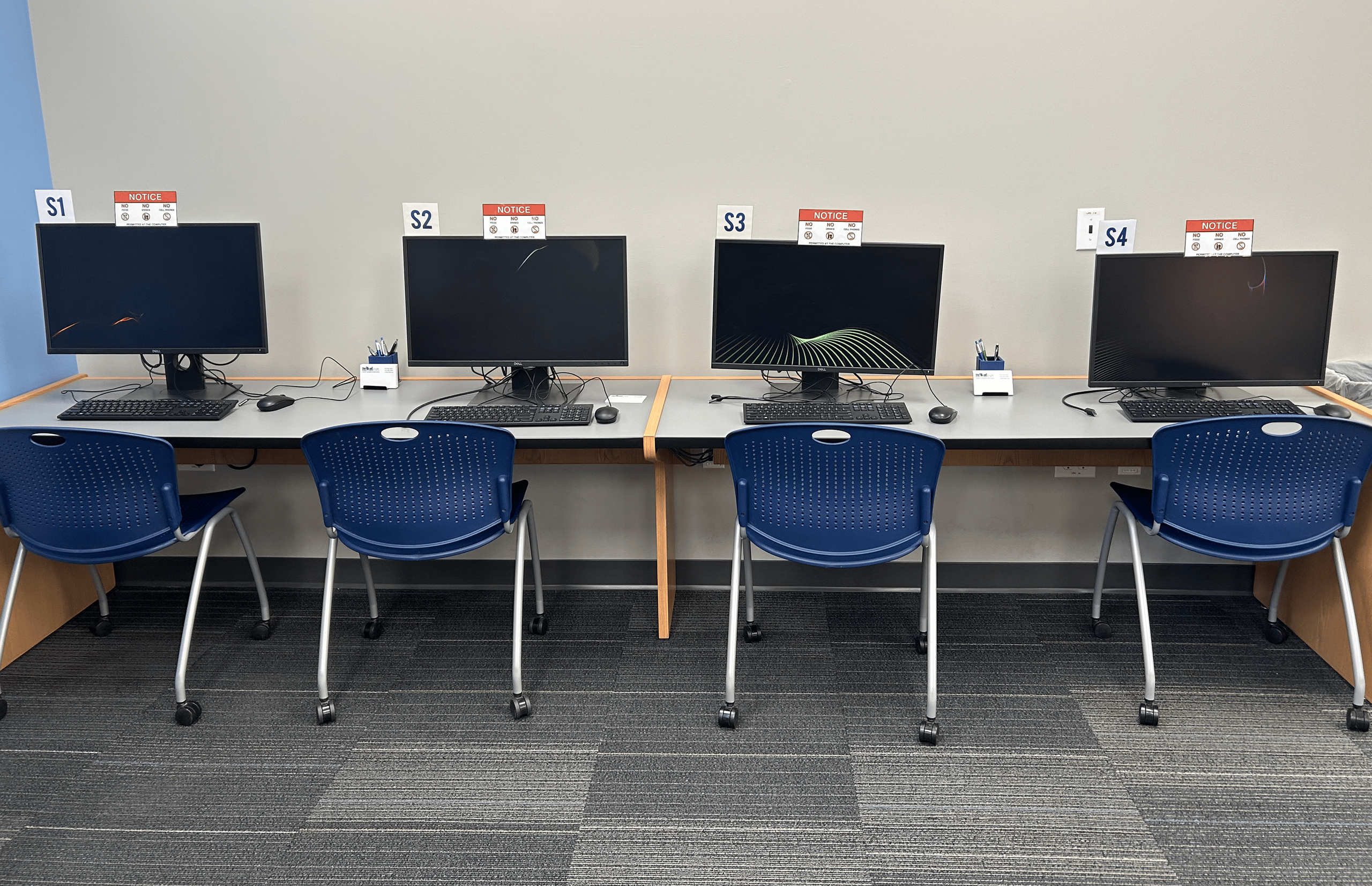

Springboro Library Public Computers

Computer Information

Number of Computers: 4
Operating System:
Windows 11 Professional
Programs: Microsoft Office Professional 2019, Adobe Reader
Web Browsers: Google Chrome, Mozilla Firefox, Microsoft Edge

Four computers with rolling chairs labeled "S1", "S2", "S3" , and "S4".